
TimeToSignUp Account Admins can close a column so that participants cannot sign up for anything in the column.
- Log in (admin only).
- Go to the TimeToSignUp sheet.
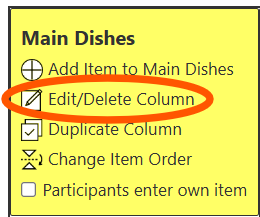
- Press "Edit/Delete Column" in the box at the top of the column.
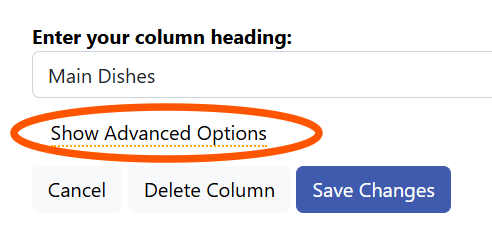
- On the next screen, press "Show Advanced Options"
- In the section Column is available for sign ups?, change from Yes to No

- Press the "Save Changes" button.
